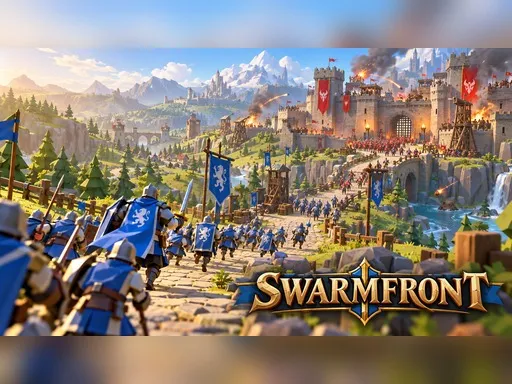
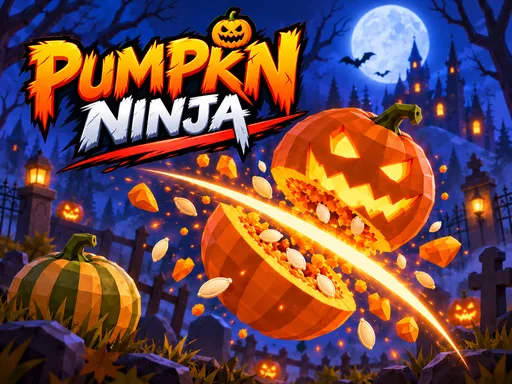
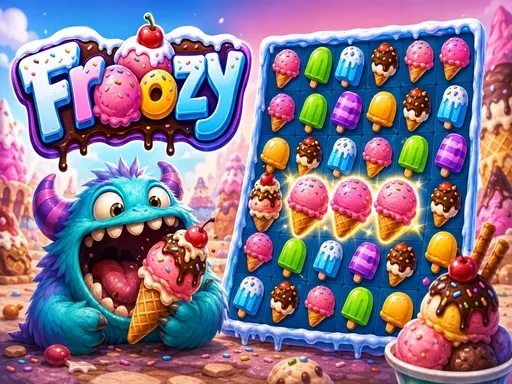
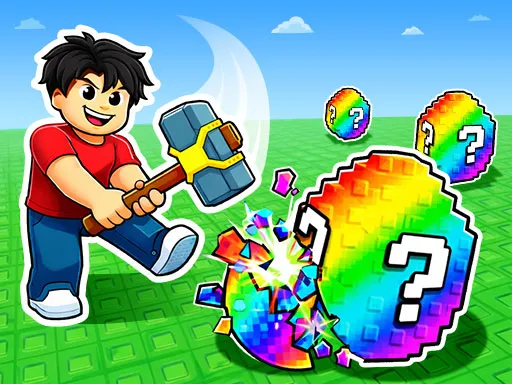
What Are Browser Games? A Simple Guide to Playing Online
Browser games are video games that you can play directly through a web browser without installing a traditional game program on your computer or mobile device. They have become a convenient way to enjoy games online because players can usually open a website, choose a game, and start playing within a few moments.
Unlike traditional PC or console games that often require downloads, installations, updates, or large storage space, browser games are designed to run through web technologies. Depending on the game, they can offer anything from simple arcade challenges and puzzles to racing, sports, strategy, action, and 3D experiences.
What Is a Browser Game?
A browser game is a game that runs inside a web browser such as Chrome, Firefox, Edge, or Safari. The game is delivered through a website and uses web technologies to display its graphics, process player input, and run the gameplay.
Modern browser games can work on many different devices. A game may be designed for a desktop computer with keyboard and mouse controls, while others are optimized for touchscreens on smartphones and tablets. Some games support both types of devices.
How Do Browser Games Work?
When you open a browser game, your browser loads the files required to run the game. These files can include graphics, sounds, scripts, animations, and other game resources. The browser then processes these resources and displays the game directly on the webpage.
Many modern browser games use technologies such as HTML5, JavaScript, and WebGL. HTML5 provides important web capabilities, JavaScript handles game logic and interaction, while WebGL can be used to render advanced 2D and 3D graphics in compatible browsers.
Because the game runs through the browser, players generally do not need to install a separate executable file. However, some browser games may still download temporary resources or store certain data locally while you play.
Do Browser Games Require Downloads?
One of the main advantages of browser gaming is that many games can be played without downloading a traditional game installer. You simply visit the game page and launch the game from the browser.
This makes browser games useful when you want to play something quickly or when you have limited storage space. Some games may require additional loading time because their resources need to be downloaded by the browser before gameplay begins.
Types of Browser Games
Browser games are available in many genres, so there is no single type of browser gaming experience. Different games are designed for different interests and play styles.
- Action Games: Fast-paced games that focus on movement, combat, reactions, or challenges.
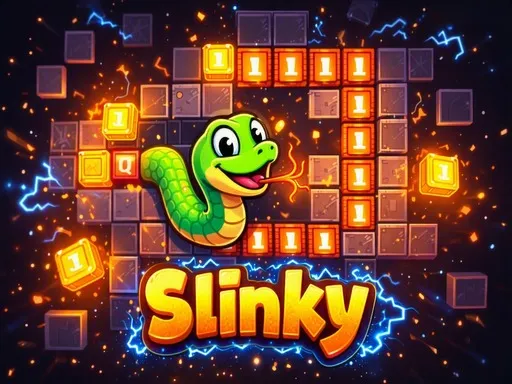
- Arcade Games: Short and accessible games built around simple objectives and repeatable challenges.
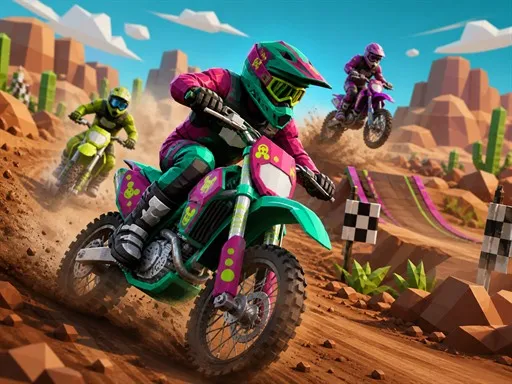
- Racing Games: Games that let players compete in races using cars, bikes, or other vehicles.
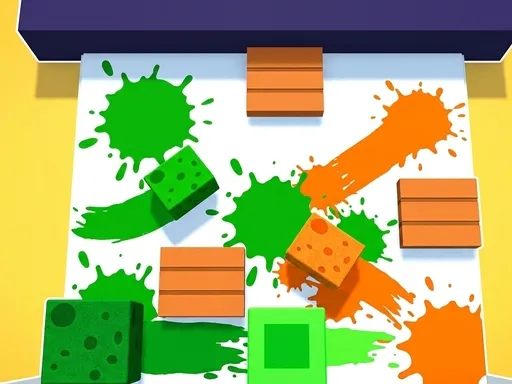
- Puzzle Games: Games that require logic, matching, planning, or problem-solving.
- Sports Games: Browser experiences based on sports such as football, basketball, pool, golf, and more.
- Strategy Games: Games where players make decisions, manage resources, or plan actions to achieve objectives.
- Adventure Games: Games that focus on exploration, objectives, characters, and progression.
- 3D Games: Browser games that use three-dimensional graphics and environments to create a more immersive experience.
Where Can You Play Browser Games?
Browser games can be played on many modern devices as long as the browser and hardware meet the game's requirements. Desktop and laptop computers are common platforms for browser gaming, especially for games that use keyboard and mouse controls.
Many games are also designed for smartphones and tablets. Touch controls can replace a traditional keyboard and mouse, allowing players to tap, swipe, or hold areas of the screen to interact with the game.
Browser Games on Desktop and Mobile
The controls and interface of a browser game can change depending on the device. Desktop games may provide keyboard shortcuts and mouse controls, while mobile games often use touch-based controls.
Responsive web design can also allow a game page to adapt to different screen sizes. However, not every browser game is compatible with every device, so checking the game's supported controls and platform requirements can be useful before playing.
Why Are Browser Games Popular?
Browser games offer a simple way to access games without going through a traditional installation process. This makes them convenient for quick gaming sessions, casual entertainment, and discovering new games.
Another benefit is variety. Thousands of browser games are available across many genres, ranging from very short games that can be completed in a few minutes to larger experiences with multiple levels and objectives.
Browser games can also be useful for players who want to try a game before committing storage space or installing a larger application. The experience depends on the individual game, browser, device, and internet connection.
Are Browser Games Free to Play?
Many browser games are available to play for free. However, the business model can vary between games and websites. Some games are completely free, while others may contain advertising, optional purchases, premium features, or other forms of monetization.
Free-to-play does not necessarily mean that every feature is available without limitations. Players should check the game's information and website terms to understand whether additional purchases or other restrictions apply.
Do You Need an Account to Play?
Some browser games can be started immediately without creating an account. Other games may provide optional or required accounts for features such as saving progress, creating a profile, tracking achievements, or accessing multiplayer functionality.
The requirements depend on the game and the platform hosting it. For a quick casual game, an account may not be necessary, while games with persistent progress may offer account-based features.
Can Browser Games Be Played Offline?
Most browser games are designed to be accessed online because their files are delivered through a website. However, some web-based games can support offline functionality through browser technologies that store game resources locally.
Offline support is not universal, so you should not assume that a browser game will continue working without an internet connection. The specific game and website determine whether offline play is supported.
Are Browser Games Safe?
Browser games can be safe to play when they are accessed through trustworthy websites and kept within a secure browsing environment. Players should be careful when visiting unfamiliar websites, downloading unknown files, or granting unnecessary browser permissions.
Keeping your browser updated can also provide important security improvements. It is a good practice to avoid downloading software that a game does not legitimately require and to pay attention to unexpected pop-ups or suspicious requests.
How to Start Playing a Browser Game
Getting started is usually simple. Open a modern web browser, visit a website that offers browser games, select a game, and wait for it to load. Once the game is ready, follow the instructions shown on the screen.
- Open a modern web browser.
- Visit a trusted browser gaming website.
- Choose a game that interests you.
- Allow the game to finish loading.
- Read the controls or instructions.
- Start playing directly in the browser.
What Makes a Good Browser Game?
A good browser game usually provides clear objectives, responsive controls, understandable instructions, and a smooth experience on supported devices. Loading performance can also be important because players expect a web game to become playable without unnecessary delays.
The quality of browser games can vary significantly. Some focus on simple mechanics and short sessions, while others provide detailed graphics, multiple levels, progression systems, multiplayer features, or more complex gameplay.
Browser Games and Traditional Video Games
Browser games and traditional video games are not necessarily competing categories. They are different ways of delivering interactive entertainment. A traditional PC game may require installation and larger storage space, while a browser game can often be accessed directly from a webpage.
Modern web technologies have also expanded what is possible in a browser. Today's browser games can include advanced graphics, physics, animations, multiplayer systems, and experiences that are much more sophisticated than the simple web games associated with the early days of the internet.
Final Thoughts
Browser games provide an accessible way to play games directly through the web. They cover a wide range of genres and can be enjoyed on computers, smartphones, and tablets depending on the game's design and supported controls.
Whether you want a quick puzzle, a racing challenge, an arcade game, a sports experience, or a more detailed 3D game, browser gaming offers many options without requiring a traditional game installation. With a modern browser and a compatible device, getting started can be as simple as opening a webpage and pressing play.
Explore CineAxo Games to discover free browser games that you can play online across different genres and devices.